2026
Vision Quest
A six-engine polyphonic synthesizer in the style of Arturia Pigments, built in C++ with JUCE.
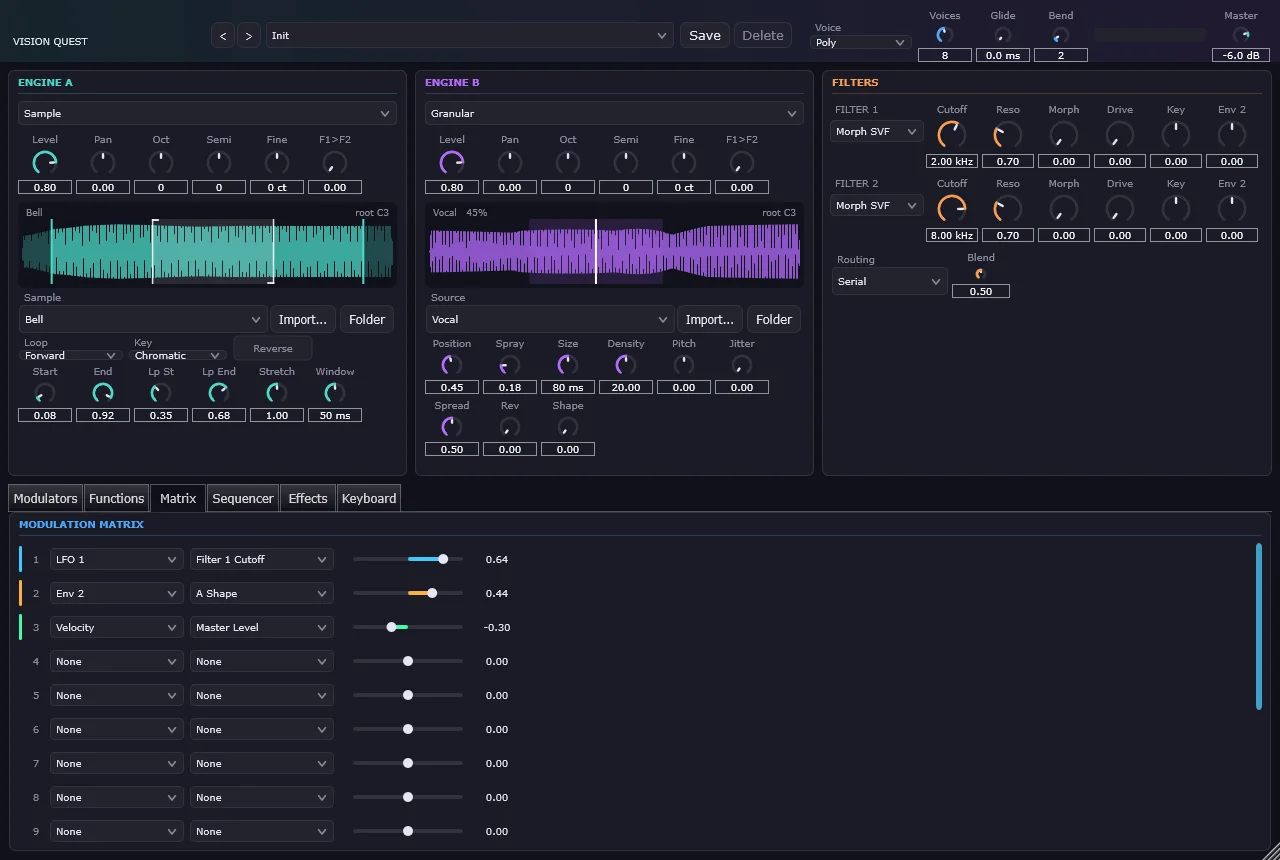
Vision Quest is a polyphonic software synthesizer in the style of Arturia Pigments. Each voice runs two swappable sound engines, feeds a dual filter section, and passes through three effects buses, all driven by a color-coded modulation system. It builds as a VST3 plugin and as a standalone app.
It's the successor to Astral Vega, whose band-limited wavetable code, effects, and tempo tables carried over.
Six engines
Each of the two engine slots can run any of these:
| Engine | What it does |
|---|---|
| Analog | Three oscillators with band-limited waveforms, hard sync, ring modulation, and per-oscillator drift |
| Wavetable | 10 factory tables plus imports, frame morphing, five phase-warp modes, and up to 8-voice unison |
| Granular | A pool of 64 grains per voice, with controls for position, spray, size, density, pitch, and jitter |
| Sample | Looping, reverse playback, and time-stretching that's independent of pitch |
| Harmonic | An additive bank of up to 64 partials, shaped by tilt, odd/even balance, and a movable formant |
| Modal | Up to 32 tuned resonators modeling strings, beams, membranes, and tubes, struck or bowed |
Around the engines sit:
- Two filter slots (a morphing state-variable filter, a transistor ladder, and a comb filter), in serial or parallel
- 3 envelopes, 3 LFOs, and 3 drawable function generators, feeding a 16-slot modulation matrix
- An arpeggiator and a 16-step sequencer
- Three effects buses with 16 algorithms to choose from
Decisions that shaped it
Voices render in 32-sample chunks. Envelopes, LFOs, and the modulation matrix update once per chunk, while engines and filters run on every sample. Amplitude is ramped across each chunk, so level changes never click.
Engines expose two generic modulation targets. "Shape A" and "Shape B" mean pulse width and ring modulation on the Analog engine, but table position and warp amount on the Wavetable engine. That kept the modulation matrix from growing every time an engine was added.
Saved presets store menu positions, so menus can only grow. Reordering a list of choices would silently change the sound of every saved patch. New options always go at the end, even when the menu reads a little oddly as a result.
The editor never blocks the audio thread. Function generator shapes and sequencer patterns reach the audio thread through a seqlock. The editor bumps a version number, writes, then bumps it again. A reader that catches a write in progress simply keeps the value it already had.
Polyrhythms come from lanes of different lengths. A five-step gate lane against a seven-step pitch lane repeats every 35 steps.
The bug that could freeze the audio thread
The sequencer checks whether a step falls inside the current block of audio. Swing makes step lengths stop being a whole number of samples, which could leave a remainder smaller than one sample. The loop could never advance past it: no state changed, and the loop never ended. On the audio thread, that's fatal.
The fix treats a step due in less than one sample as due now, with a cap on loop iterations as a backstop:
if (samplesToNextStep < 1.0 && position < numSamples)
{
    triggerStep (output, juce::jmin (position, numSamples - 1), (int) stepSamples);
    advanceStep();
    samplesToNextStep += stepSamples;
}
Testing without a DAW
A headless test harness plays a note through every engine, filter type, and modulation routing, and checks that each one produces audible, finite output. Then it builds the editor and paints every tab offscreen, saving a screenshot of each. Those are the images in the gallery below, and they made it possible to check a UI change without loading a plugin host.
Gallery
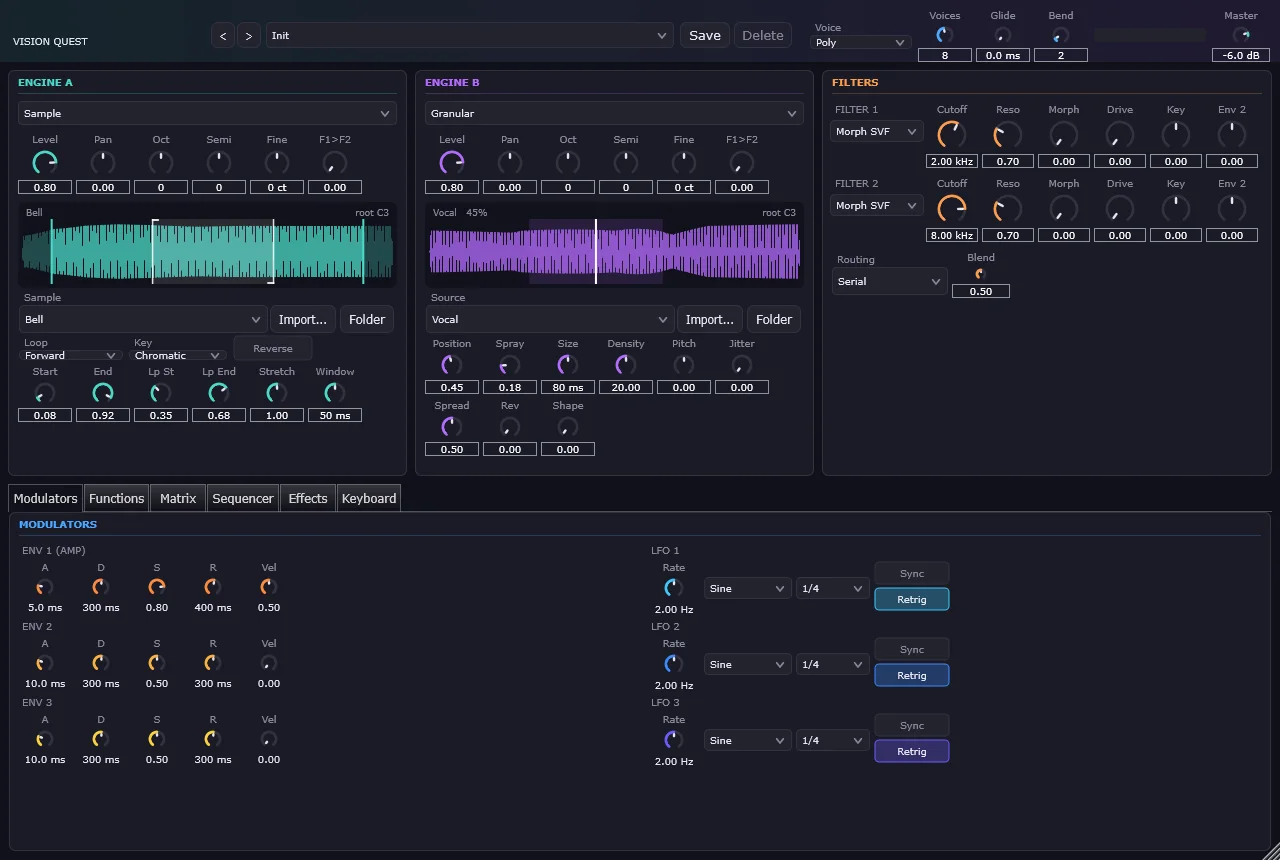
Modulators 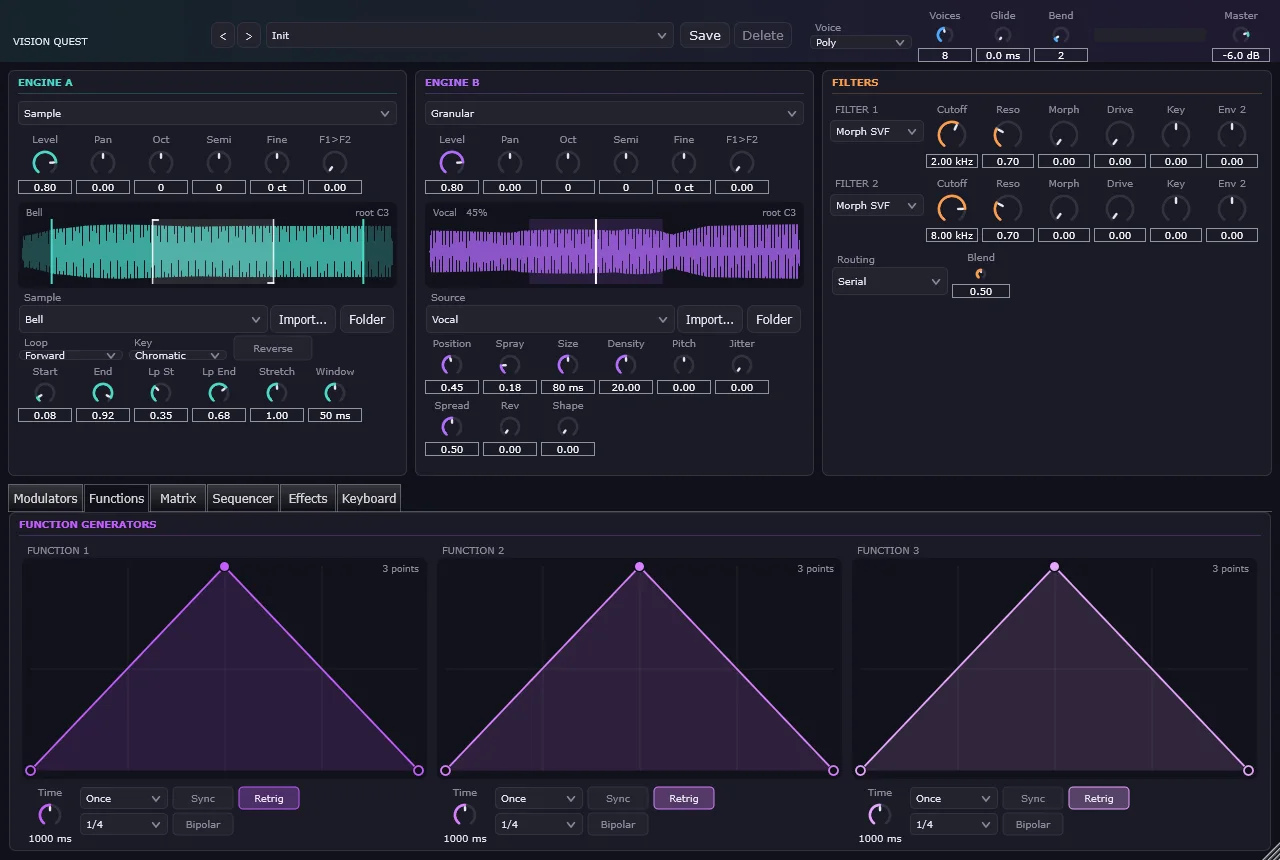
Function generators 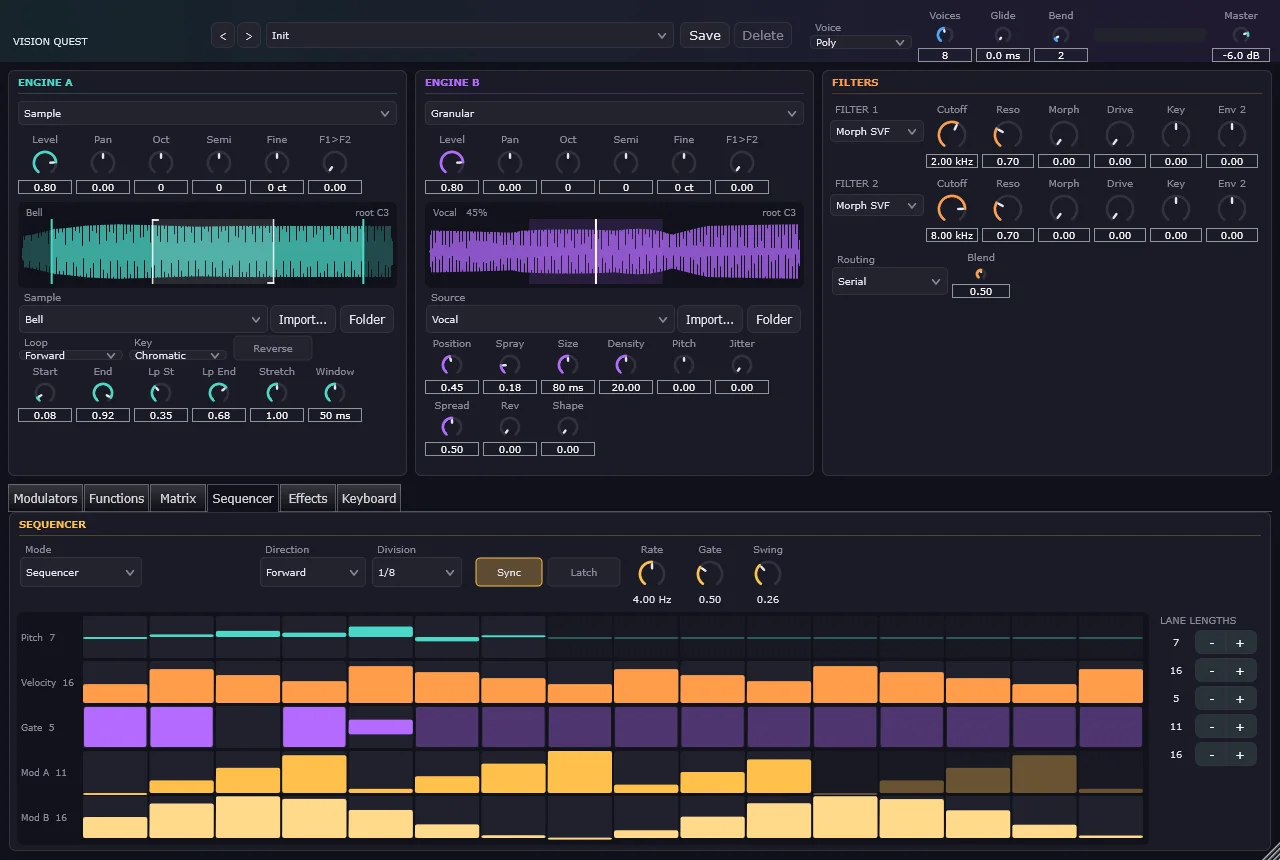
Step sequencer 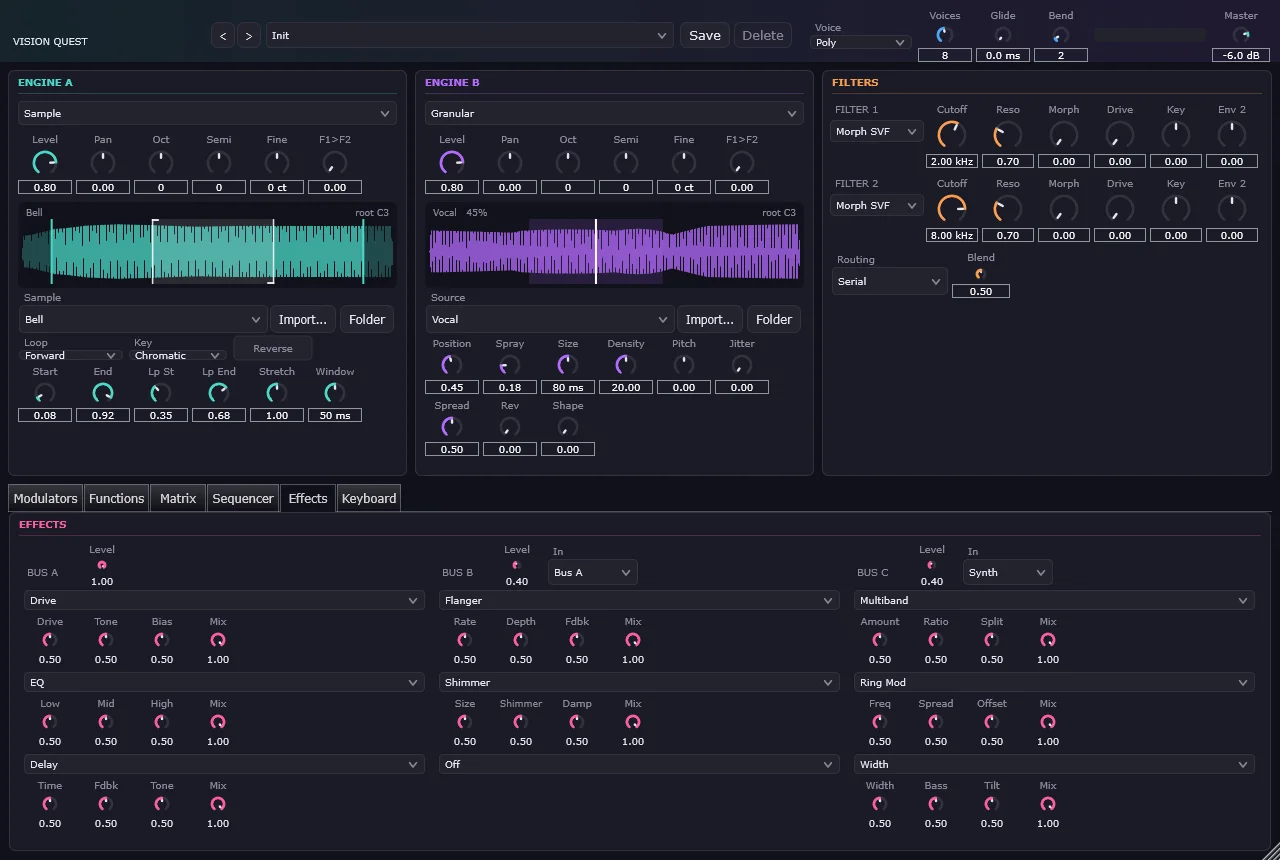
Effects buses 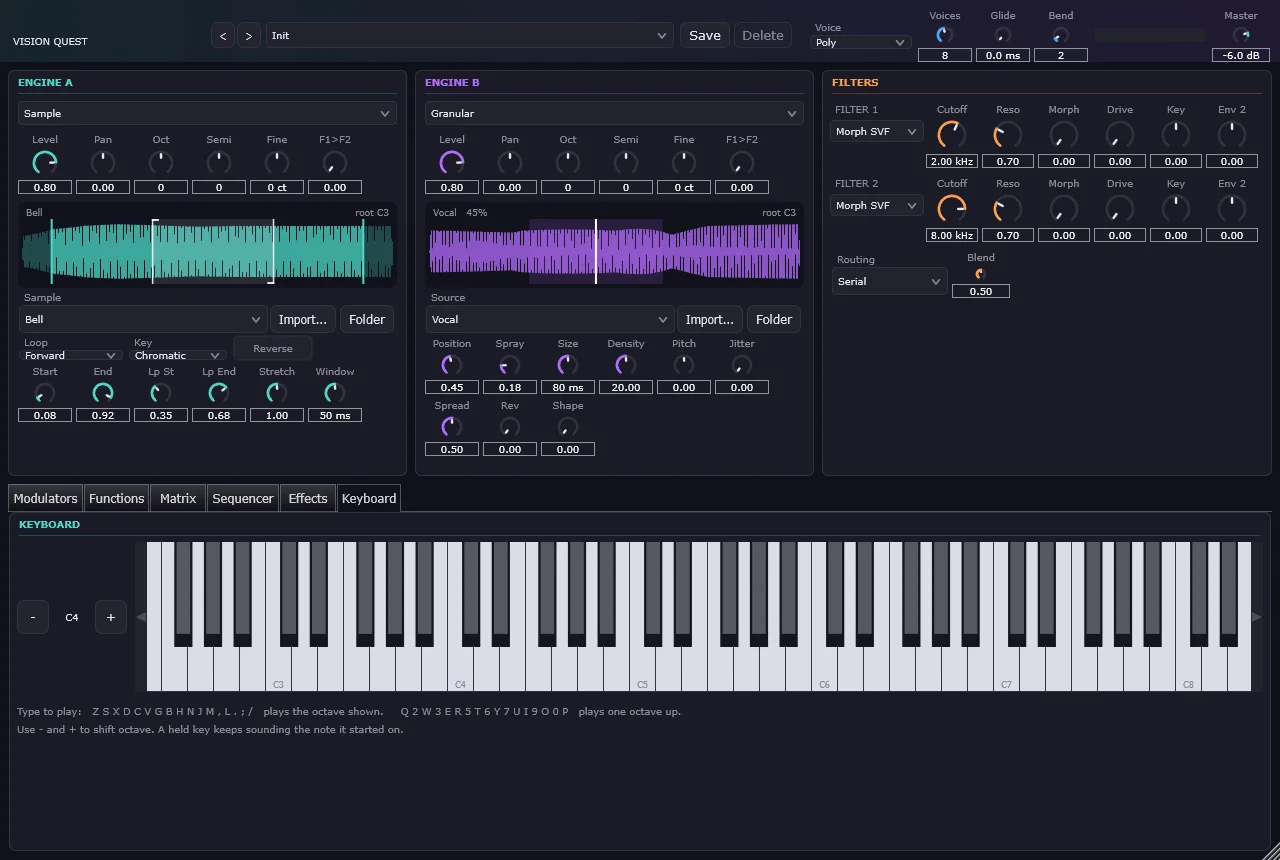
Typing keyboard